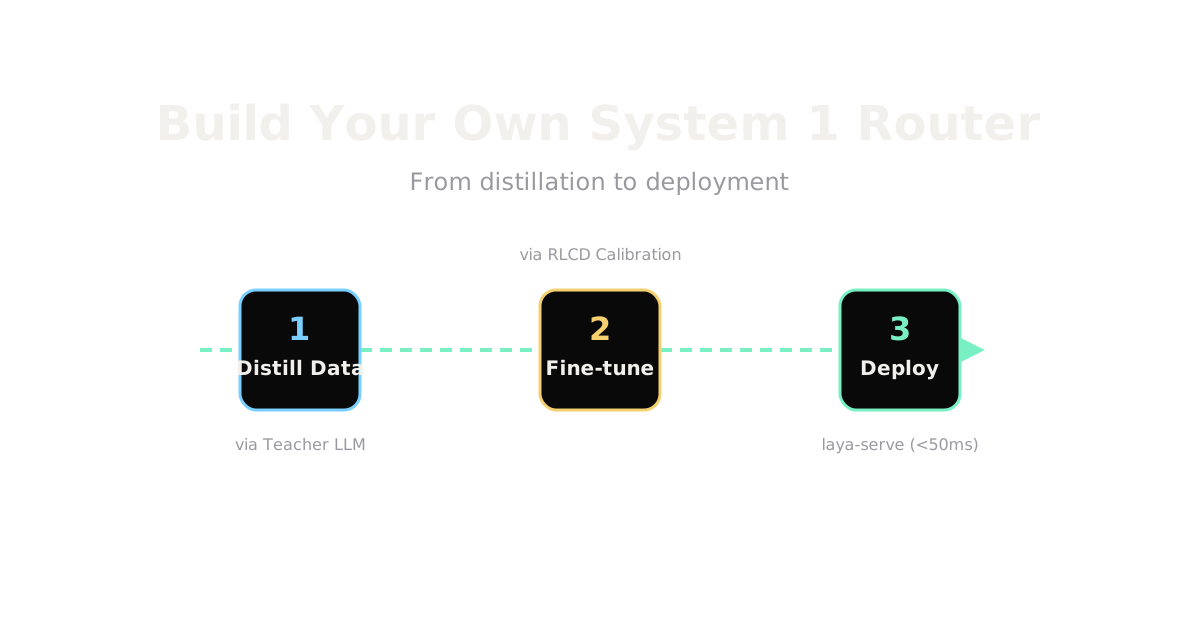
Build Your Own System 1 Router Capstone
With Convai's release of the open-weights Laya model, building your own fast, deterministic System 1 router is no longer restricted to hosted APIs like Jev. But as we've seen, zero-shot performance on these models is often near random. To get the promised 33ms latency with high accuracy, you have to build it yourself.
Here is the capstone workflow for training and deploying your own decision model.
1. Distill Data from a Teacher Model
Decision models don't learn reasoning from scratch; they mimic it. You start by taking your domain data—support tickets, incoming requests, or security logs—and passing it through a large, expensive LLM. The LLM acts as the teacher, producing the "golden" typed decisions (e.g., Category: Billing, Urgency: High).
This synthetic dataset design is crucial. Ensure you have a diverse set of examples so you don't overfit to a single narrow benchmark.
2. Fine-Tuning and RLCD Calibration
Once you have your distilled data, you fine-tune the Laya checkpoint. The typed-decisions checkpoint was successfully fine-tuned on a 1,200-case split in about 4–5 hours on Kaggle's free 2xT4 tier.
The magic here is RLCD (Reinforcement Learning with Calibrated Decisions). Laya is trained against strictly proper scoring rules. Instead of just maximizing raw accuracy, the loss function covers log, spherical, and ranked probability scores. This ensures that the probabilities the model outputs are honest. If Laya says it is 90% confident in a routing decision, it is right 90% of the time, allowing you to safely set a confidence gate before falling back to a human queue.
3. Honest Evaluation
Don't just measure raw accuracy. A true System 1 model is evaluated on:
- Brier Score: Measures the accuracy of probabilistic predictions.
- Calibration Curves: Visualizes if the model is overconfident.
- p95 Latency: Evaluates if the model consistently meets the <50ms budget under load.
4. Deployment and Gotchas
Deploying Laya is straightforward via pip install laya and the laya.load() API, typically served via laya-serve.
However, there are engineering realities to consider:
- Latency: CPU inference is possible, but a T4 GPU is required to hit the 30-40ms latency targets reliably.
- Gotchas: Watch out for the notorious TensorFlow import hang. Set
USE_TF=0in your environment variables if you are purely in a PyTorch ecosystem.
By owning your router, you eliminate network latency, secure your data, and drastically cut down on expensive API calls to generative models.
(Correct as of September 2026).